Cloud vs. Local Storage for Security Cameras Compared
Published: September 18, 2026·By the DoorSecurityGroup Installation & Review Team
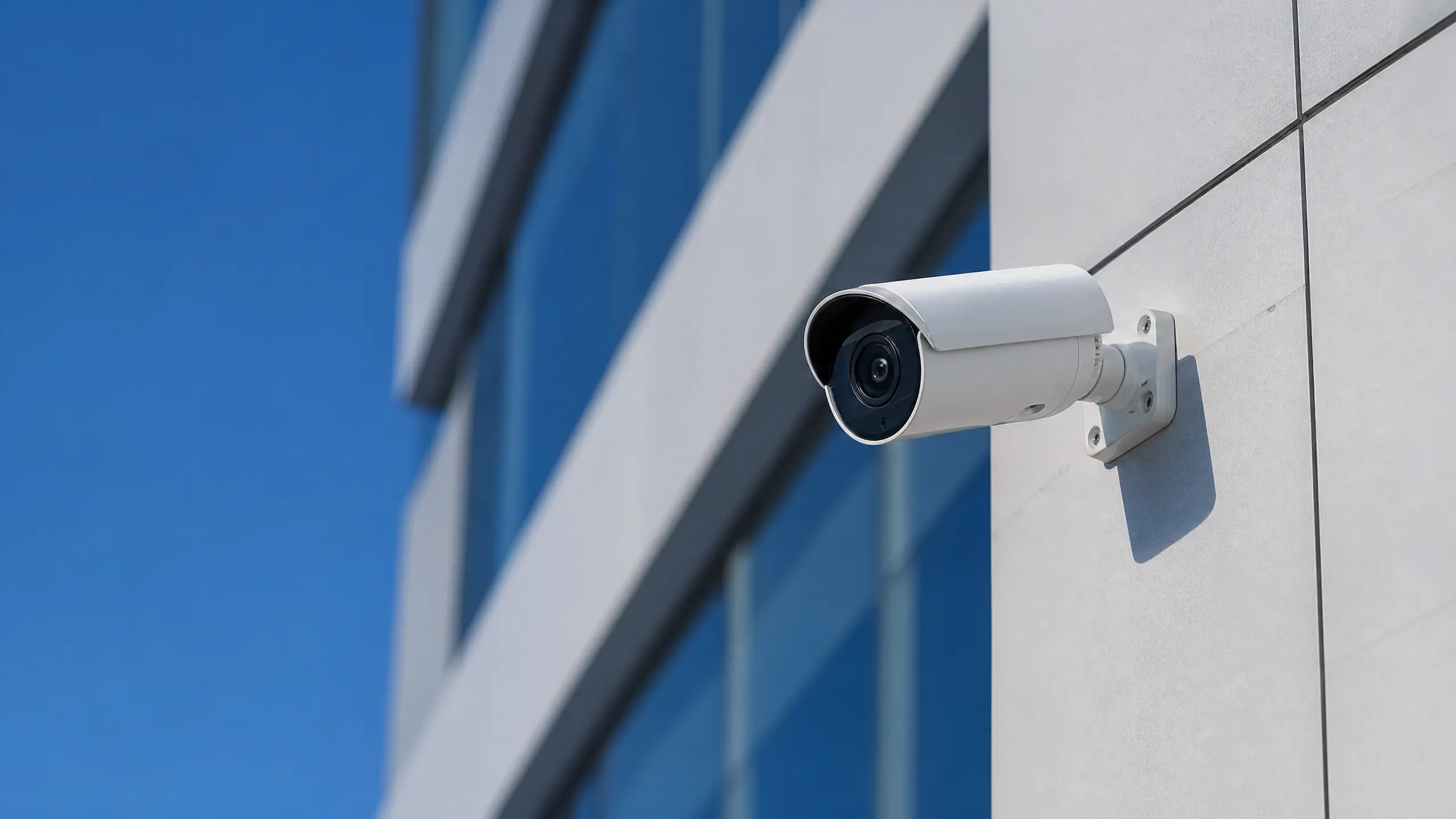
Cloud storage costs an ongoing monthly fee but gives you remote access to footage even if the camera itself is stolen or destroyed. Local storage (a memory card or a local hub/NVR) has no recurring fee and keeps your footage entirely under your control, but if the storage device is damaged, stolen, or the camera is taken, that footage is gone with it. Most security-conscious buyers in 2026 choose local storage as a baseline and add cloud backup only for the highest-priority cameras.
How Cloud Storage Works
Video is uploaded from the camera to the manufacturer's servers, typically retained for a set window (commonly 30–60 days) under a subscription plan.
Strengths:
- Footage survives even if the physical camera is stolen or destroyed — the recording already left the device.
- Accessible from anywhere via the manufacturer's app, useful for reviewing an incident remotely.
- Often bundled with smart features (person/package detection, AI alerts) that require cloud processing.
Weaknesses:
- Ongoing monthly or annual cost, sometimes per-camera.
- Footage is stored on a third party's servers, raising privacy considerations for some buyers.
- Requires a reliable internet connection to upload continuously; spotty Wi-Fi can create recording gaps.
How Local Storage Works
Video is written directly to a memory card in the camera or to a local hub/NVR (network video recorder) on your own network.
Strengths:
- No recurring subscription fee.
- Footage never leaves your property unless you export it yourself.
- Not dependent on internet uptime to actually record (though remote viewing still needs a connection).
Weaknesses:
- If the camera or local storage device is physically stolen or destroyed, the footage goes with it — this is the core tradeoff against cloud storage.
- Storage capacity is finite and typically overwrites older footage on a rolling basis.
- Fewer advanced AI features on some models, since cloud processing power isn't available.
A Practical Middle Ground
Several cameras on the market (including options in our best outdoor wireless cameras guide) support both simultaneously — local storage as the default with optional cloud backup for critical cameras like your primary entry point. This gives you the cost savings of local storage for most of your system while protecting your single most important camera's footage against physical theft or destruction.
Which to Choose
| Priority | Recommendation | |---|---| | Lowest ongoing cost | Local storage | | Footage must survive camera theft/destruction | Cloud storage (at least for that camera) | | Privacy-conscious, no third-party servers | Local storage | | Need remote access to historical footage from anywhere | Cloud storage | | Budget allows one "critical" camera | Hybrid — local for most, cloud for your front door |
Related Reading
- Best Security Cameras for Apartments
- Camera Placement Guide for NYC Buildings
- Best Outdoor Wireless Security Cameras
Unsure which setup fits your property? Contact our team or take our free Security Assessment.
Related Security Guides
What Our AI Security Assessment Actually Checks
A transparent look at what our free AI Security Assessment analyzes, how it generates recommendations, and its limitations compared to an in-person audit.
Case Study: Diagnosing a String of Failed Door Operator Inspections at a Brooklyn Shelter
A Brooklyn supportive housing project kept failing city inspection on its automatic door operators even after two rounds of brand-new replacement parts. Here's what was actually wrong, and how we found it.
Best Driveway & Perimeter Alarms of 2026
The best driveway and perimeter motion alarms of 2026 — early-warning systems that alert you before someone reaches your door.